 Baby Care
 Senior Care
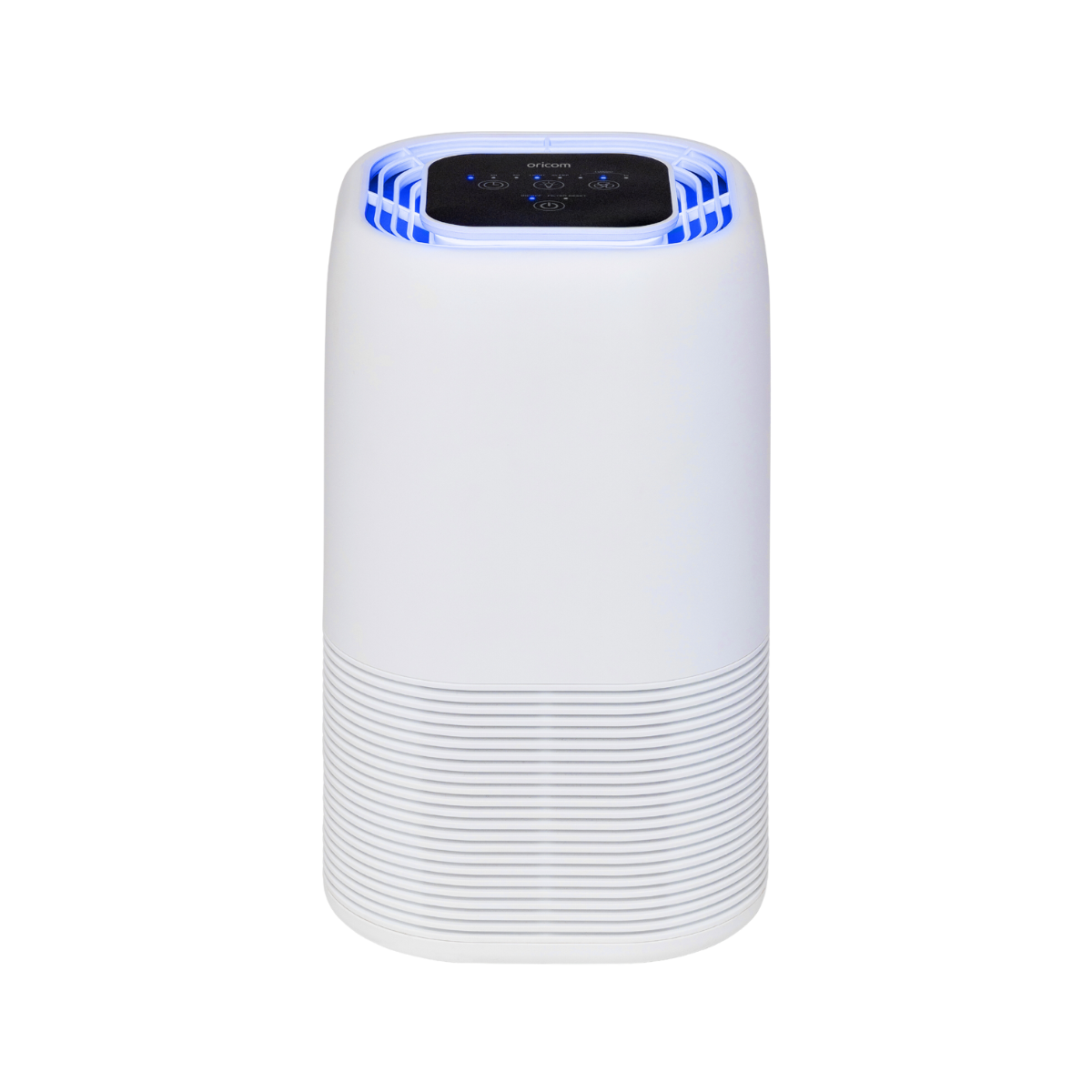 Air Purifiers
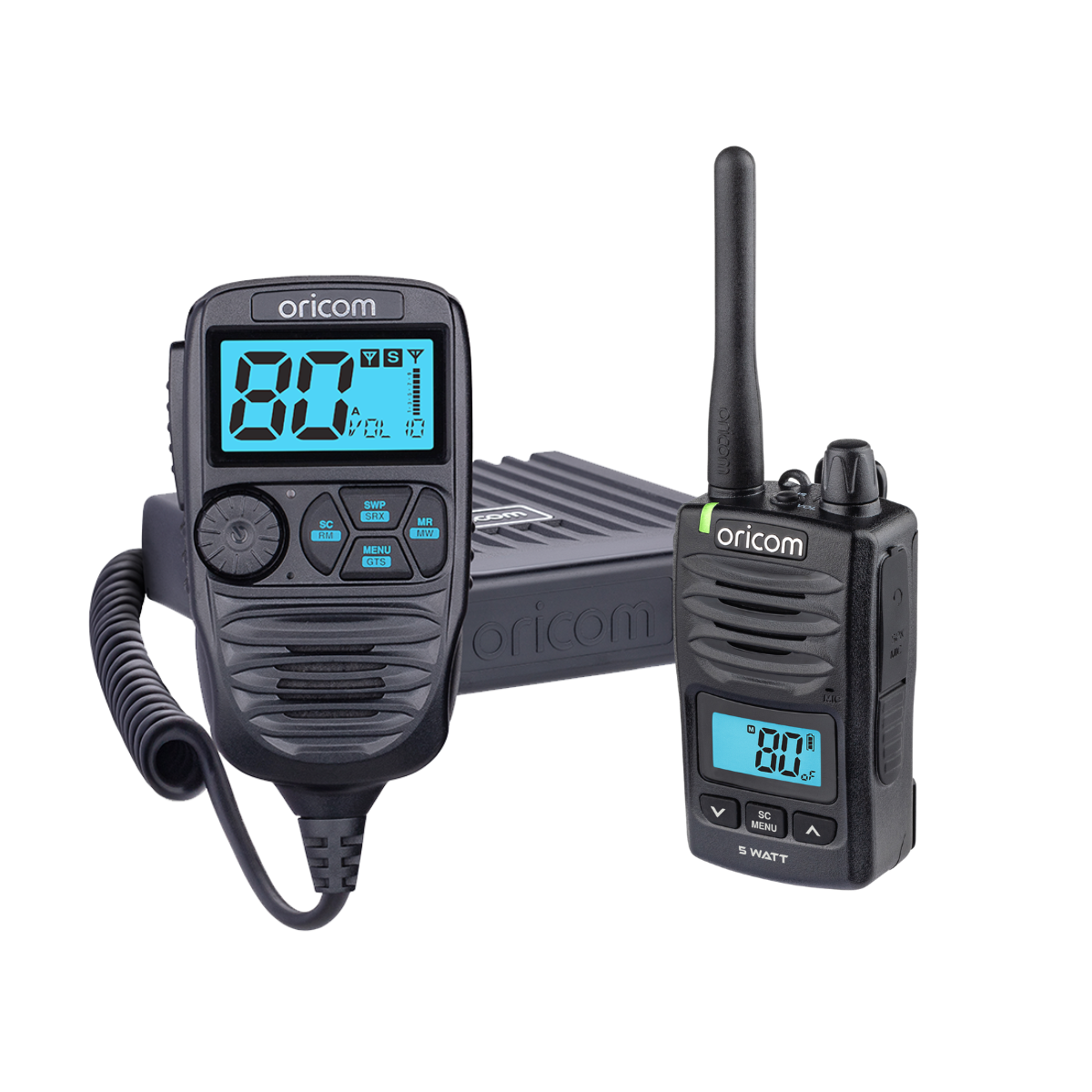 UHF CB Radios
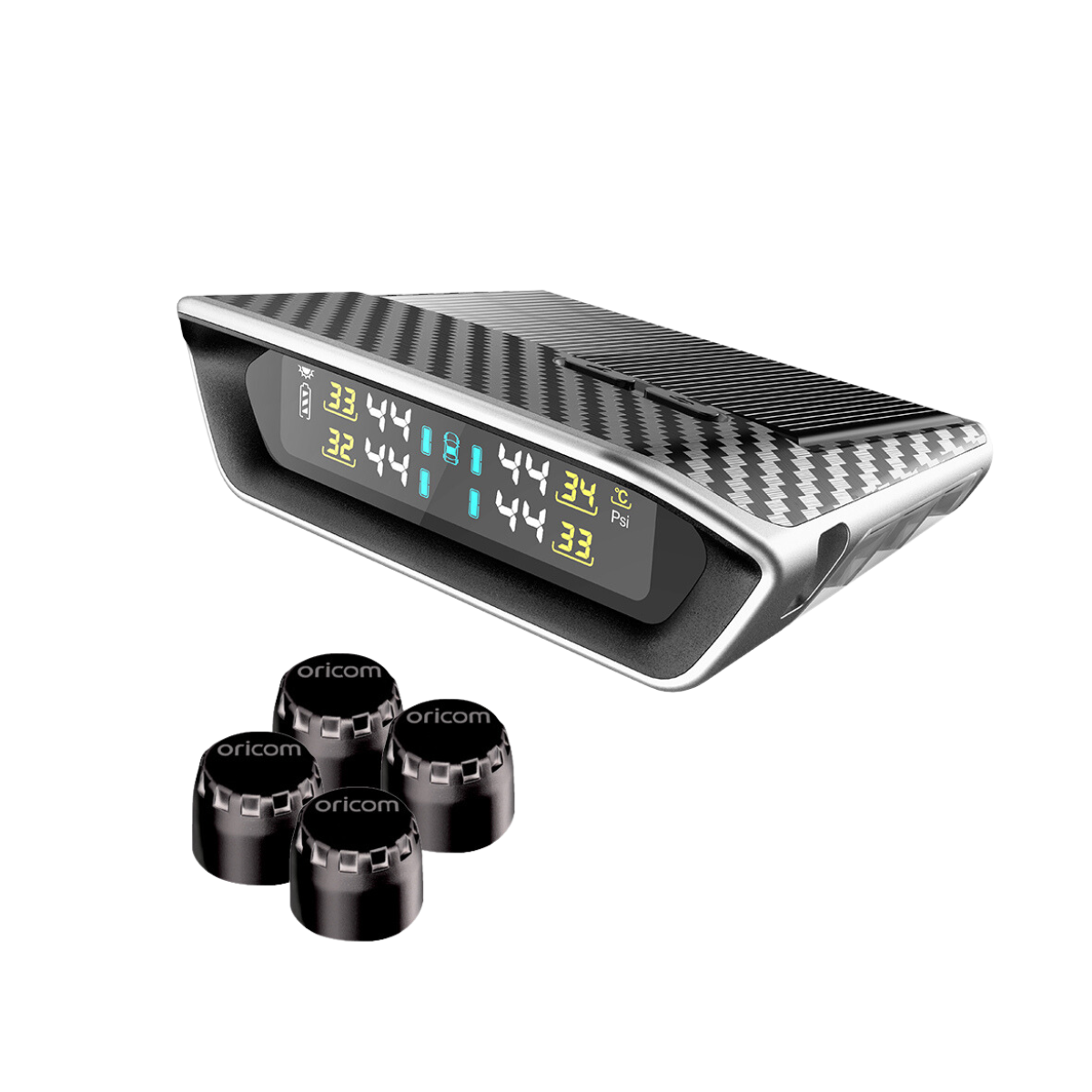 Tyre Pressure Monitors
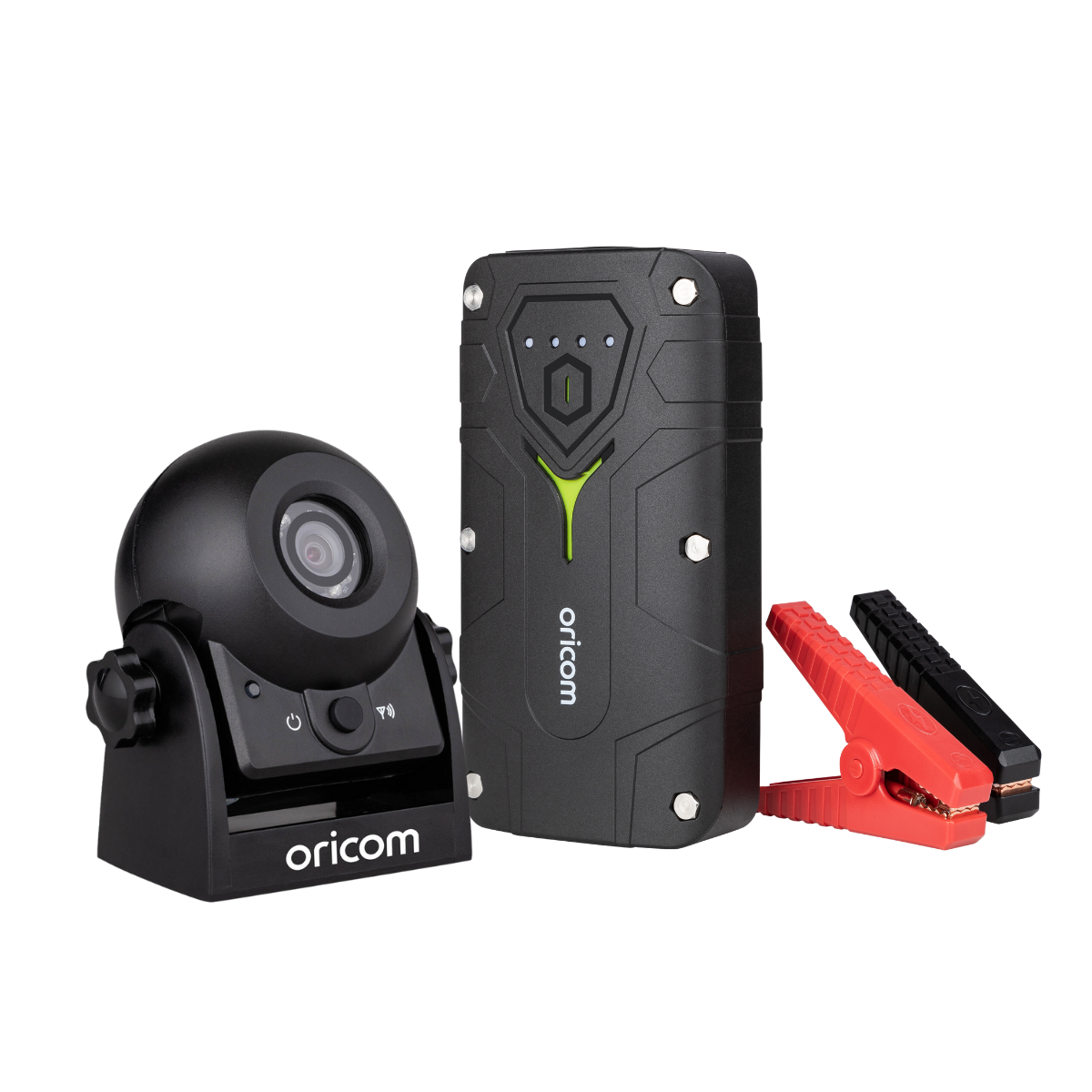 Automotive Products
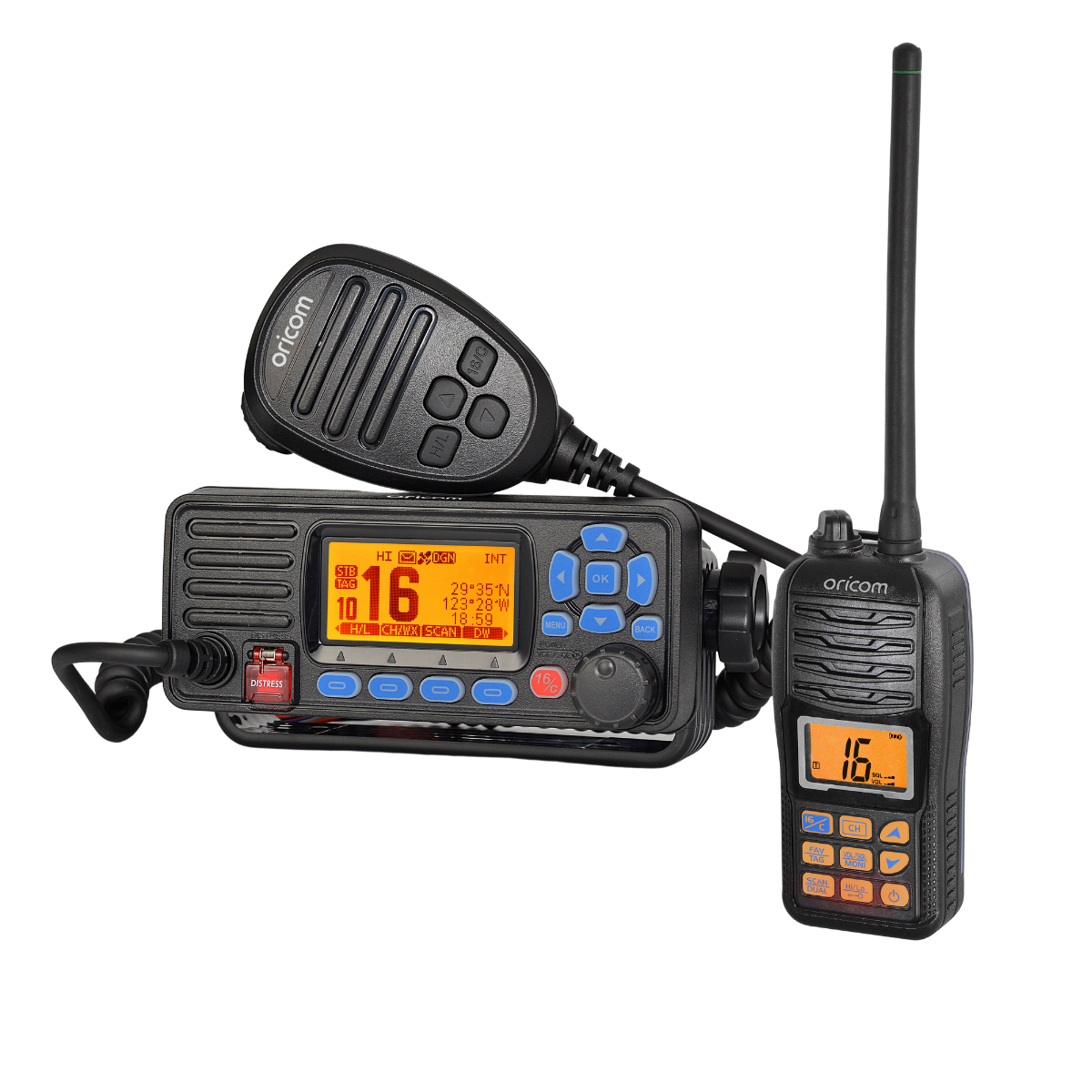 Marine VHF Radios
Senior Care
Making Life Easier
Australians rely on Oricom, the technology experts, to help find the right products for their needs.
X
More Than 20 Years of Experience
5M Aussies Trust & Use Oricom
Proven Track Record of Quality

Oricom International, founded in 2003, is a 100% Aussie-owned company specialising in communication and monitoring technologies. We are recognised in the market as leaders in design and innovation.

Deeply ingrained in the Australian market, Oricom has garnered the trust of over 5 million Australians who rely on their quality communication and monitoring technologies. Our commitment to innovation and reliability has made us the preferred choice.

Our history, reviews and sales demonstrate a consistent commitment to delivering exceptional quality to our customers. Trust in our proven track record for excellence.
Baby Care
UHF CB Radios
Automotive Products
Marine Range
Senior Care
of experience
Trust & Use oricom
Track record of quality






The best hearing aid for phones depends on individual preferences, lifestyle, and the severity of hearing loss. Some hearing aids are designed specifically for compatibility with phones, offering features such as Bluetooth connectivity or telecoil options. It’s essential to consult with a hearing healthcare professional to determine the most suitable hearing aid for your needs.
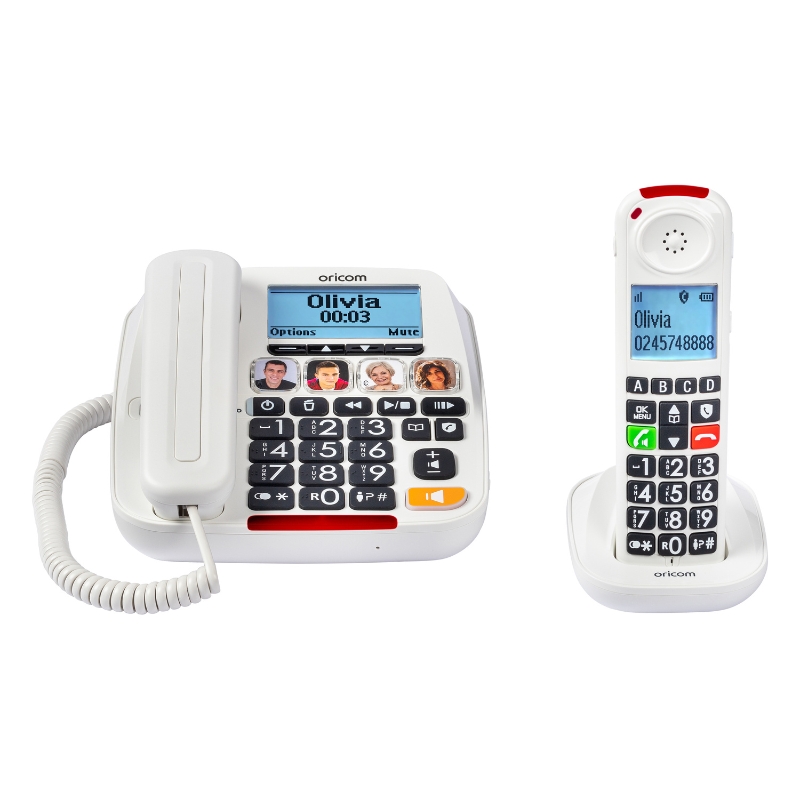
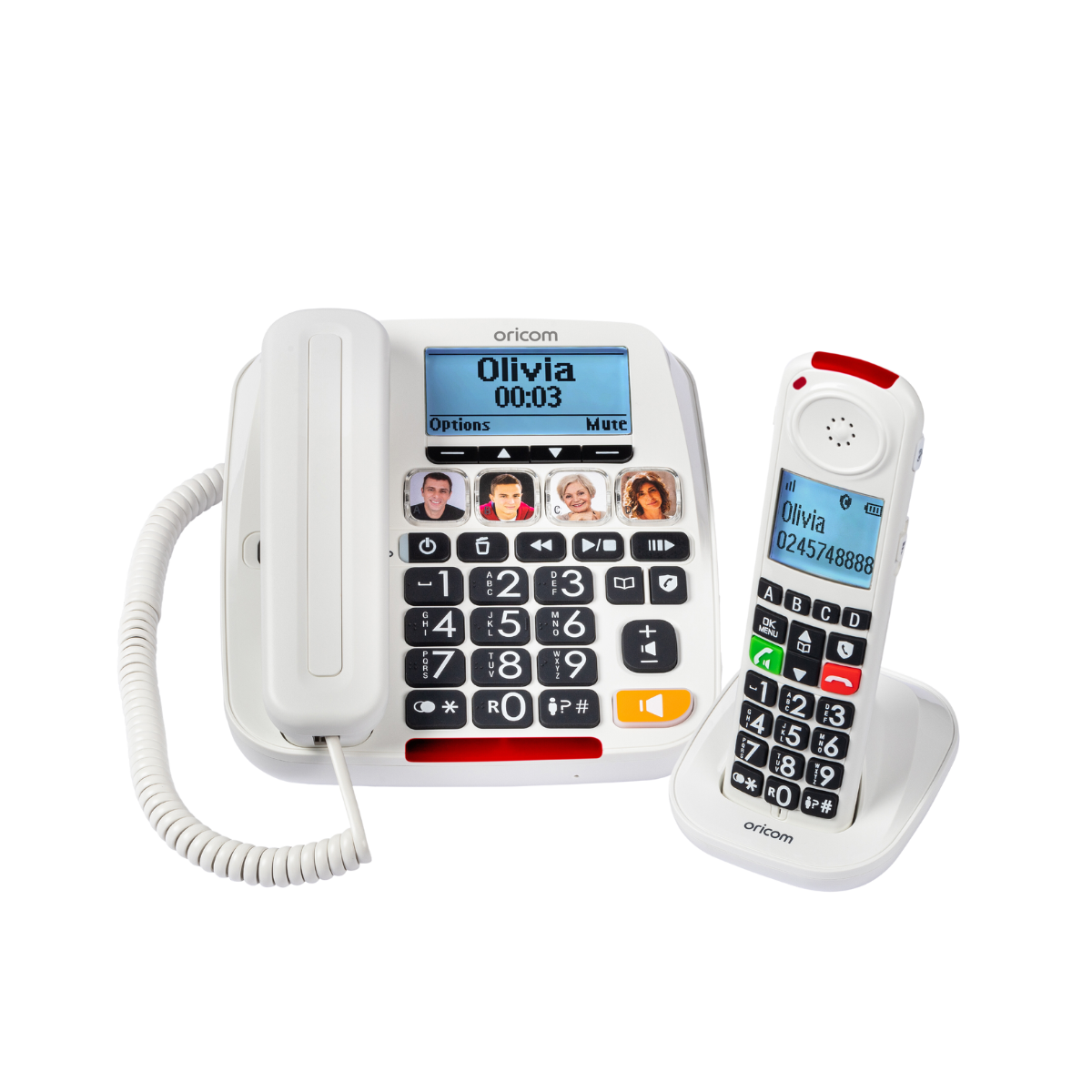
Using a landline phone with a hearing aid typically involves ensuring compatibility between the phone and the hearing aid. Many landline phones offer compatibility with hearing aids through telecoil technology or by providing amplified sound options. Simply activate the telecoil mode on the hearing aid or adjust the phone’s volume settings to a comfortable level for clear communication.
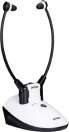
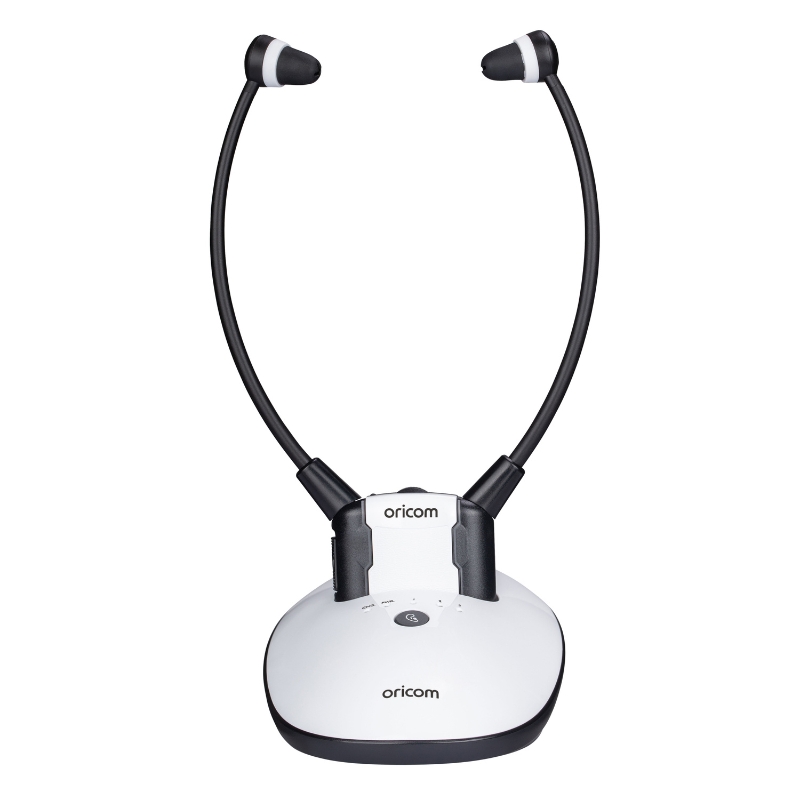
A headphone amplifier or TV Headset boosts the audio signal from a source device, such as a phone or computer, to increase the volume and improve sound quality when using headphones or earphones. This can be particularly useful for individuals with hearing impairment who require additional amplification to better hear audio content. Check out the Oricom TV7400 TV Listener which meets this exact requirement.
Yes, headphone amplifiers can make a significant difference in audio quality and volume levels, especially for individuals with hearing impairment. By amplifying the audio signal, headphone amplifiers or TV Headsets provide clearer sound and increased volume, enhancing the listening experience and improving communication.
There are several ways to amplify your hearing, depending on your specific needs and preferences. Options include using hearing aids, assistive listening devices, amplified phones, and personal sound amplification products (PSAPs). Consultation with a hearing healthcare professional can help determine the most suitable solution for your individual hearing needs.
Copyright © Oricom International Pty Ltd ·Website Design & Development by AEK Media

Join the Oricom Family and receive
10% OFF YOUR FIRST ORDER*
*Excludes Promotional Products